
Discover Top Mini Drone Innovations
Find comprehensive guides and expert tips tailored for mini drone enthusiasts.
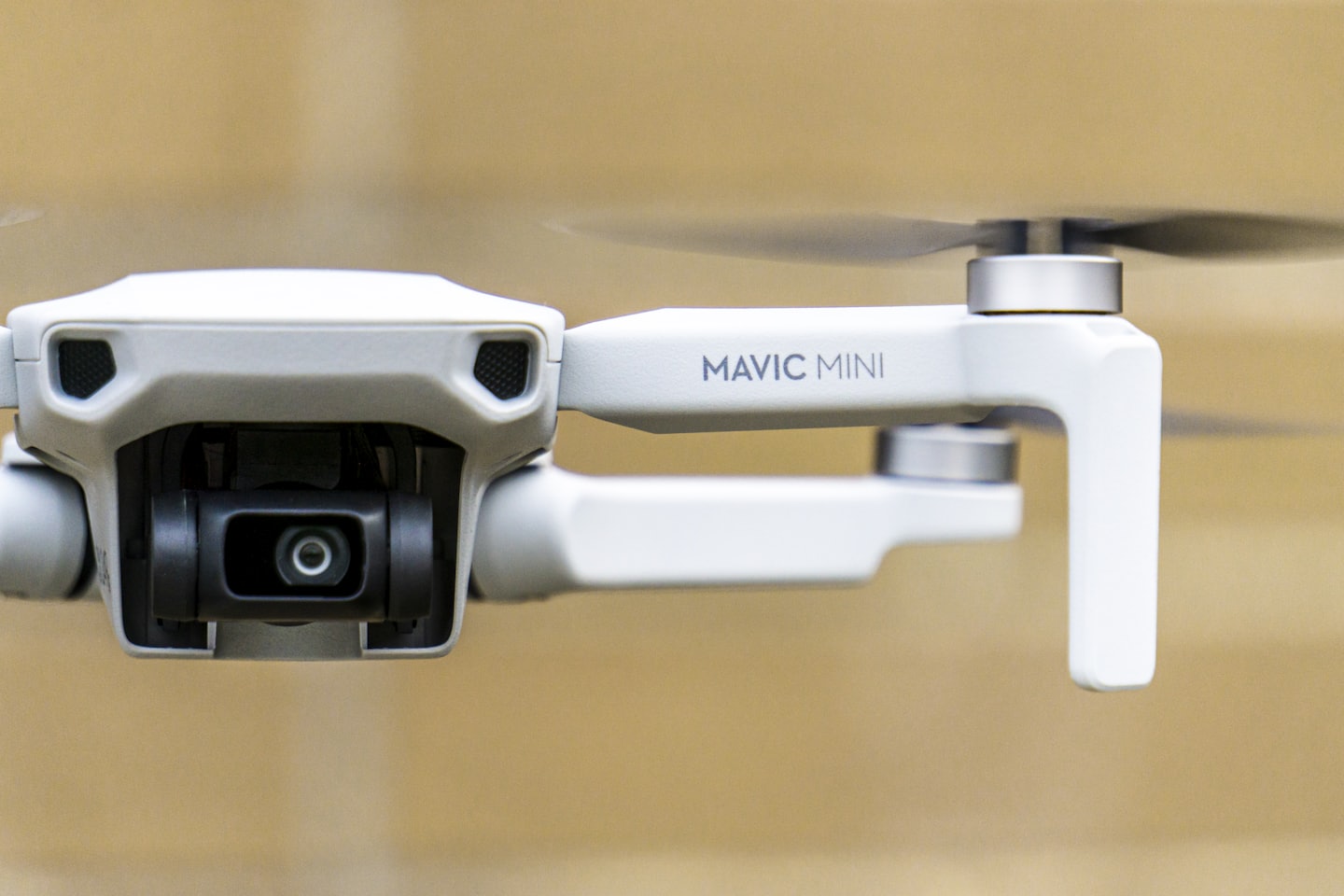
Drone Basics
Learn the fundamental principles behind mini drone operation and design.
drone basics
Drones, formally known as
Unmanned Aerial Vehicles (UAVs), are pilotless aircraft that fly either by remote control or via autonomous software. Whether you’re interested in photography, racing, or just flying for fun, understanding these core basics is the first step.
1. Essential Drone Components
Every drone relies on a combination of hardware to stay airborne and stable:
- Airframe: The structural skeleton, typically made of lightweight materials like carbon fiber or high-grade plastic.
- Flight Controller: The “brain” of the drone that processes sensor data to stabilize the flight.
- Motors & Propellers: Motors spin the propellers to generate lift and thrust. Most beginners start with quadcopters (four rotors).
- Electronic Speed Controllers (ESCs): These regulate the speed of each motor based on commands from the flight controller.
- Sensors: Include gyroscopes (for balance), barometers (for altitude), and GPS (for location and return-to-home features).
2. Basic Flight Controls
Standard controllers use two joysticks to maneuver the drone:
- Left Stick (Throttle & Yaw): Moving it up/down controls altitude (height). Moving it left/right rotates the drone (Yaw).
- Right Stick (Pitch & Roll): Moving it up/down tilts the drone forward or backward (Pitch). Moving it left/right tilts it sideways (Roll).
3. Common Drone Types
| Type | Best For | Key Feature |
|---|---|---|
| Multi-Rotor | Photography & Beginners | High maneuverability and vertical takeoff. |
| Fixed-Wing | Mapping & Long Range | Efficient for covering large distances like a plane. |
| FPV (First Person View) | Racing & Cinematography | High-speed flight using goggles for an immersive view. |
4. Safety and Regulations
Before your first takeoff, be aware of standard safety rules from agencies like the Federal Aviation Administration (FAA) or the Civil Aviation Safety Authority (CASA):
- Height Limit: Usually capped at 400 feet (120 meters) above ground level.
- Line of Sight: You must always be able to see your drone with your own eyes.
- No-Fly Zones: Avoid flying near airports, military bases, or large crowds.
- The 30m Rule: Keep your drone at least 30 meters away from people not involved in the flight.
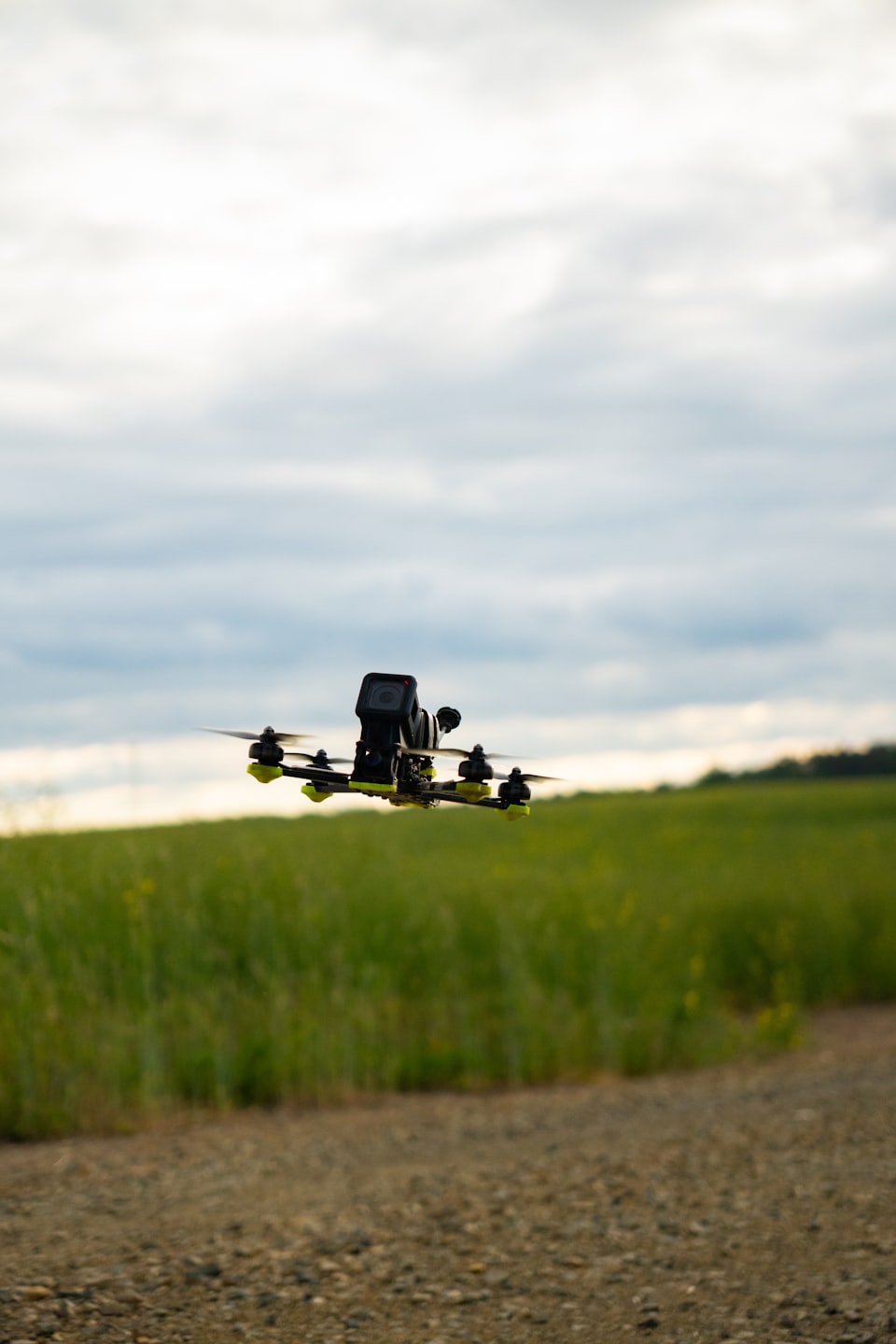
Flight Techniques
Master advanced piloting skills and aerial maneuvers.
mini drone flight techniques
Mastering a mini drone requires
a mix of fundamental control and specialized maneuvers. Because mini drones are lightweight, they are highly sensitive to wind and control inputs.
Core Controls
Before attempting complex maneuvers, familiarize yourself with these standard UAV Coach movements:
- Throttle (Left Stick Up/Down): Controls altitude.
- Yaw (Left Stick Left/Right): Rotates the drone’s heading.
- Pitch (Right Stick Up/Down): Moves the drone forward or backward.
- Roll (Right Stick Left/Right): Moves the drone sideways (strafing).
Essential Flight Techniques
- Hovering & Stabilizing: The most critical skill. Practice taking off to eye level and holding the position. Use gentle “nudges” on the right stick to counteract drift.
- The Square Pattern: Fly forward, stop, roll right, stop, fly backward, stop, and roll left to return to the start. Keep the drone facing away from you (tail-in) to maintain orientation.
- Continuous Circles: Combine pitch and roll simultaneously while keeping the drone’s nose pointed forward. If the drone begins to rotate, use yaw to correct its heading.
- 45-Degree Ascent/Descent: Simultaneously push the right stick forward and the left stick up (for ascent) or down (for descent). This creates smooth “reveal” shots for photography.
Advanced Maneuvers
- Figure 8: A complex maneuver where you fly two connected circles while constantly using yaw to keep the front of the drone facing the direction of travel.
- Bank Turns: Keep forward pitch for movement while applying roll and yaw in the same direction to “lean” into the turn.
- The Top Hat: Fly horizontally, stop, rise vertically, stop, fly horizontally again, and then descend. This is excellent for practicing precision and height control.
Pro Tips for Mini Drones
- Wind Management: Mini drones (like the DJI Mini series) are easily pushed by wind. If a breeze is gentle, let the drone’s sensors auto-correct; over-correcting manually often ruins shots.
- Indoor Start: Because they are small, practice indoors in a large, open room first to remove wind as a variable.
- Calibration: Always calibrate your compass and GPS before outdoor flights to ensure stability.
- 1:1 Safety Rule: Keep the drone’s distance from people at least equal to its current altitude (e.g., if flying at 30m high, stay 30m away horizontally).
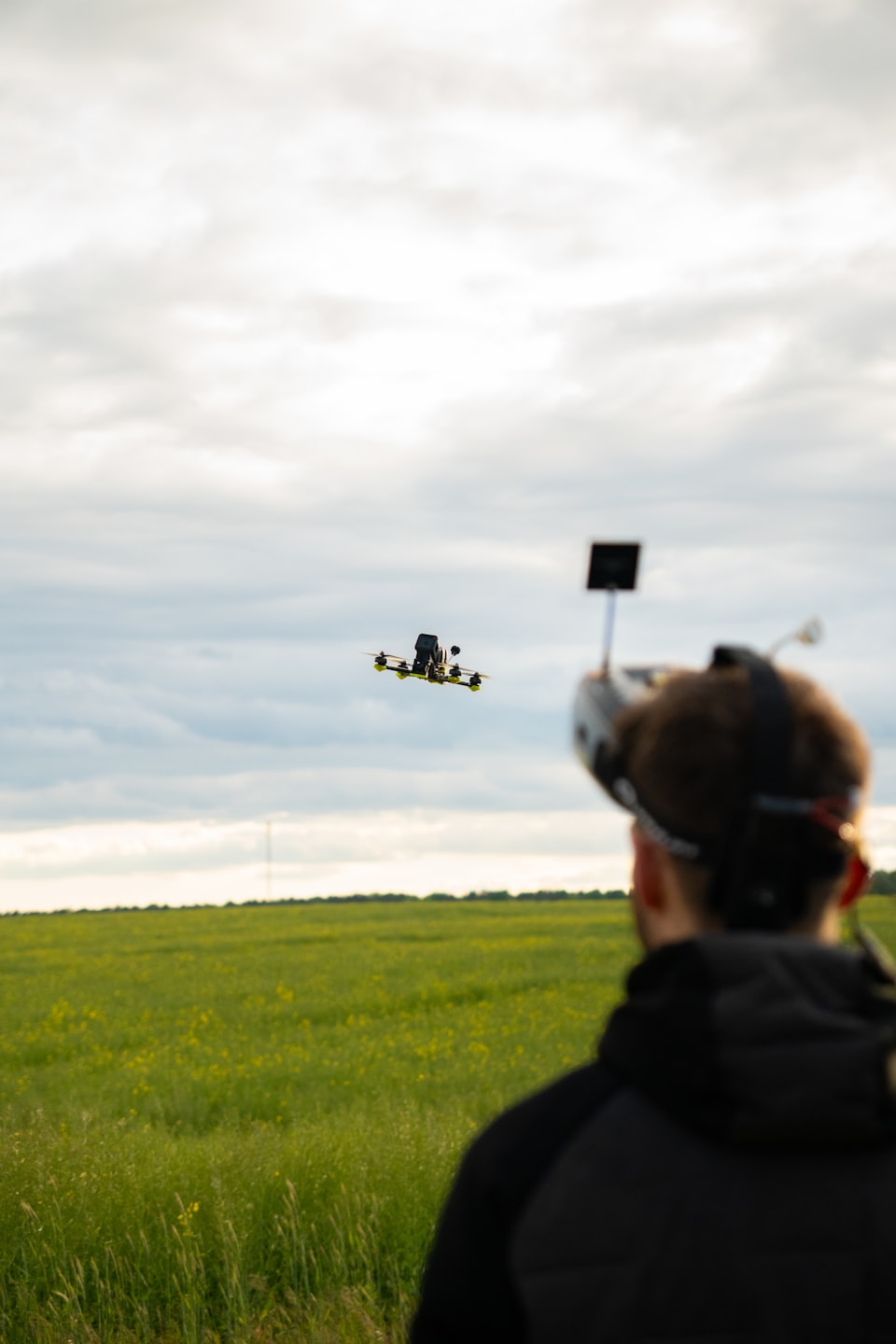
Tech Insights
Gain in-depth knowledge about mini drone technology and components.
Drone technology is shifting from “flying cameras” to high-speed data processors. The industry is currently defined by 2026’s pivot toward autonomous operations and AI-driven analytics.
1. Breakthrough Technologies
- Autonomy: Drones now utilize onboard machine learning for real-time collision avoidance and path planning without GPS dependence.
- Drone Swarms: Advancements allow multiple UAVs to coordinate in real-time for complex search-and-rescue or large-scale agricultural tasks.
- BVLOS Operations: Expansion of Beyond Visual Line of Sight (BVLOS) capabilities is moving from pilot tests to standard commercial deployments, supported by new airspace-management systems.
- Edge Computing: On-drone data processing enables immediate identification of structural defects or agricultural pests, reducing reliance on slow cloud uploads.
2. Industry Use Cases
- Energy & Infrastructure: Drones with thermal sensors detect micro-damages in wind turbines and power lines, preventing outages.
- Agriculture: High-precision spraying and soil analysis have become standard, with the market expected to hit $5.7 billion by 2030.
- Logistics: Innovations in last-mile delivery focus on “off-site delivery” models, allowing hospitals and warehouses to repurpose storage space.
- Public Safety: Real-time 3D mapping during disaster response enables first responders to locate survivors in hazardous zones more quickly.
3. Market Dynamics & Key Players
- Market Growth: The global commercial drone market is projected to surge from roughly $38.2 billion to $189.9 billion by 2034.
- Top Manufacturers:
- Commercial/Consumer: DJI (holds over 90% consumer market share), Parrot, and Skydio.
- Defense & Enterprise: General Atomics, AeroVironment, and Lockheed Martin.
- Investment Shift: Investors are moving past “flashy hardware” to focus on drone analytics software and companies with stable industrial service contracts.
4. Challenges & Future Outlook
- Regulations: The 2026 landscape is heavily influenced by Remote ID rules and evolving FAA/EASA licensing requirements.
- Sustainability: Development is underway for eco-friendly drones powered by renewable sources or higher-density solid-state batteries.
- Privacy & Security: As drones become ubiquitous, Counter-UAV (C-UAS) technology is becoming a parallel multi-billion dollar market to protect sensitive airspace.
In-Depth Technical Resources on Mini Drones
Dive into detailed guides and expert tips that showcase the unique technology and innovations behind various mini drone models.
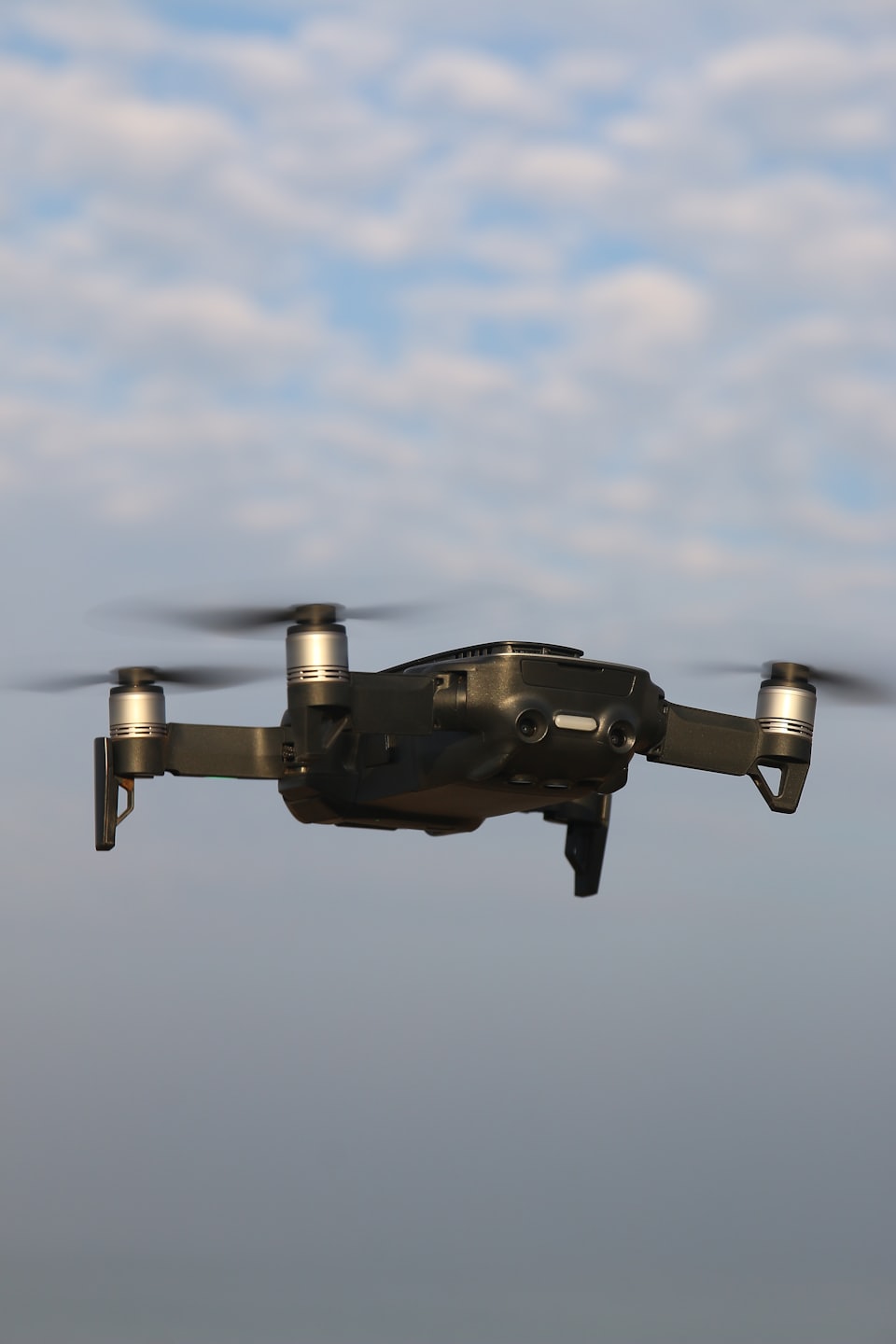
Flight Stability Technology
Explore how advanced stabilization systems keep mini drones steady for smooth flight experiences.
Compact Design Benefits
Understand the advantages of miniaturized components that enhance portability without sacrificing performance.
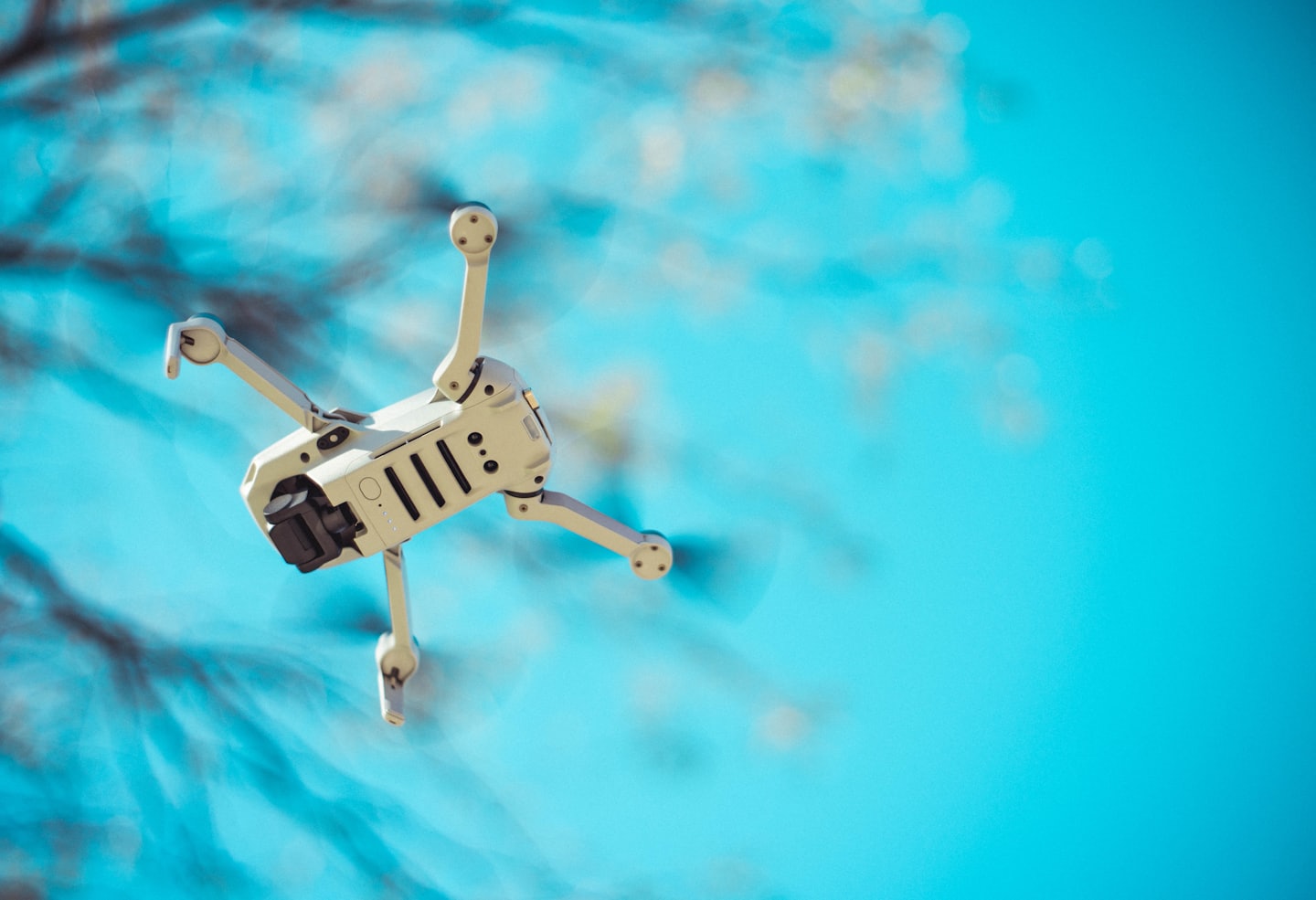
Battery Efficiency Advancements
Learn about cutting-edge battery tech that extends flight time for longer drone sessions.
How Mini Drones Work
Discover the essential steps to launch your mini drone journey and unlock its full potential.

Step One: Preparing Your Mini Drone
Begin by assembling and calibrating your mini drone to ensure optimal performance and safety.
Getting a mini drone flight-ready requires a mix of hardware prep and software setup to ensure a safe first takeoff.
1. Initial Hardware Setup
- Charge Everything: Fully charge the drone battery and the remote controller. Brand new batteries often arrive in “hibernation mode” and must be plugged in to activate.
- Remove the Gimbal Protector: Always take off the plastic gimbal cover before powering on. If left on, the gimbal’s self-check at startup can damage the motors.
- Unfold the Arms: Unfold the front arms first, followed by the rear arms.
- Check Propellers: Ensure they are securely mounted, not bent, and free of cracks.
2. Software & Activation
- Install the App: Download the DJI Fly app (or the specific app for your brand) on your mobile device.
- Register & Update: Connect your phone to the controller, power both on, and follow the in-app prompts to activate the drone and install the latest firmware.
- Check Sensor Health: Look for warnings in the app. If prompted, perform a Compass or IMU Calibration by rotating the drone as instructed on-screen.
3. Pre-Flight Safety Settings
- Set RTH Altitude: Under “Safety” settings, set the Return-to-Home (RTH) altitude higher than the tallest obstacle in your area to avoid collisions if the signal is lost.
- Confirm Home Point: Wait for the app to announce “Home Point Updated” and show a strong GPS signal (at least 6-10 satellites) before taking off.
- Environment Check: Choose a wide-open space away from people, animals, and moving vehicles. Maintain a lateral distance of at least 30 meters from others.
For a visual walkthrough, you can find official video tutorials on the DJI Support YouTube channel or the D1 Store guide for indoor preparation.
Are you flying a specific model (like the DJI Mini 4 Pro or Mini 2 SE), or do you need help with local registration requirements?

Step Two: Flight Techniques
Learn essential flying skills and controls to confidently navigate your mini drone through various environments.
Mastering small drone flight requires gentle, incremental stick movements to build muscle memory, focusing on controlled takeoffs, stable hovering, and smooth, combined maneuvers. Essential techniques include practicing in open, wind-free spaces, using “camera” or “tripod” mode for stability, and maintaining visual line-of-sight to avoid obstacles, with a key focus on maneuvering while facing different directions.
This video explains the basics of drone flight, including the functions of each stick:
Fundamental Flight Techniques
- Takeoff and Landing: Initiate with a smooth takeoff to a hover height (approx. 1 meter). Use gentle, gradual inputs for landing to avoid bounce or damage.
- Hovering & Position Maintenance: Practice keeping the drone perfectly stationary in the air. If it drifts, make small, opposite-stick corrections.
- Basic Maneuvers:
- Throttle (Left Stick): Controls altitude (up/down).
- Yaw (Left Stick): Rotates the drone (clockwise/counter-clockwise).
- Pitch (Right Stick): Moves the drone forward/backward.
- Roll (Right Stick): Moves the drone sideways (left/right).
- Orientation Training: Fly with the drone facing away from you, then rotate it 90 or 180 degrees to practice controlling it while facing different directions.
- Combined Movements: Move in arcs and smooth curves by combining roll and pitch, rather than sharp, distinct, single-direction movements.
Watch this video for a step-by-step guide on how to perform your first, second, and third flights:
Advanced & Cinematic Techniques
- Figure Eight: Fly in a figure-eight pattern to master coordinating forward, backward, and sideways movements simultaneously.
- “Camera” or “Cine” Mode: Use this mode to slow down the drone’s response for smoother, more stable footage.
- “Orbit” or “Point of Interest”: Fly in a circle around a central subject by combining yaw and lateral movement (rolling).
- “Forward/Backward Dolly”: Fly directly toward or away from a subject while keeping the camera fixed on them.
Safety & Small Drone Tips
- Wind Awareness: Small drones are highly sensitive to wind; limit flights to light breezes (under 10-12 mph).
- Obstacle Avoidance: Maintain at least 10-20 feet of clearance from trees, buildings, and power lines.
- Propeller Guards: Use these to protect the props and surroundings during initial, close-proximity training.
- Signal Management: Ensure the antenna on the remote controller is always pointed toward the drone to prevent signal loss.
This video provides 10 essential tips for safer and smoother drone flights:

Step Three: Maintenance Tips
Explore practical advice to keep your mini drone in top condition for long-lasting enjoyment.
- Propellers: Regularly inspect the propellers for cracks, bends, or other damages. Clean them with a soft cloth to remove dust and dirt.
- Motors: Check the motors for smooth operation. Listen for unusual sounds that could indicate wear or debris inside the motor housing.
- Battery Care: Avoid deep discharges by recharging the battery before it drops below 20%. Store batteries in a cool, dry place and at around 50% charge if not used for extended periods.
- Body and Frame: Inspect the drone’s body for cracks or stress marks. Ensure that all screws are tightened, and the frame is free of any damage.
- Exterior Cleaning: Wipe the drone’s body with a soft, lint-free cloth. For stubborn grime, lightly dampen the cloth with water—avoid using solvents as they can damage the finish.
- Sensor Cleaning: Use a clean, dry microfiber cloth to gently wipe camera lenses and other sensors. Do not use excessive force as sensors are sensitive components.
- Internal Cleaning: Periodically check for dust buildup inside the drone, particularly near vents and motor housings. Use compressed air to blow out any accumulated dust.
- Environment: Store the drone in a cool, dry place, away from direct sunlight and temperature extremes. A dedicated drone case is recommended to protect it from dust and physical damage.
- Battery Storage: Remove batteries from the drone and store them separately. Ensure they are at a storage charge level (typically around 50%) to extend their lifespan.
Calibrating a Mini Drone
- Compass calibration is critical to prevent navigation errors. To calibrate:
- Power on the drone and the remote controller.
- Access the calibration function from the drone’s settings menu.
- Follow the on-screen instructions, usually involving rotating the drone horizontally and vertically until calibration is successful.
- Confirm the calibration by checking the drone’s compass readings for accuracy. If the readings are unstable, repeat the calibration process.
- IMU Calibration
- The Inertial Measurement Unit (IMU) ensures the drone’s stability during flight. Calibrate the IMU if the drone exhibits erratic flight behaviors
- Place the drone on a flat, level surface.
- Access the IMU calibration option in the settings menu.
- Start the calibration process, which typically involves the drone remaining stationary while it calibrates its internal sensors.
- Wait for the calibration to complete and follow any additional instructions provided by the drone’s software.
- If your mini drone is equipped with a camera gimbal, regular calibration is essential for smooth video and accurate stills:
- Ensure the drone is on a level surface and power it on.
- Access the gimbal calibration setting.
- Initiate the calibration process, which might involve the gimbal moving through its full range of motion.
- Verify that the camera remains level and centered after calibration